

Instagram Reels downloaders let you save IG videos for offline viewing or repurposing. This guide reviews 15 top Reels downloaders (web-based, desktop, and mobile) including SnapInsta, SaveInsta, iGram, DownloadGram, Inflact, 4K Stogram, FastDL, SnapDownloader, Instaloader, WFDownloader, InstaSaveNet, Save From Net, InSaver, and y2mate.
For each tool, we detail supported platforms, key features, pricing, pros/cons, and privacy notes. We also include a comparison table of features (platforms, bulk-download support, login needs, watermark, cost). Finally, we discuss legal/copyright considerations.
Before moving to our list of Reels Downloaders, let’s first see how content creators can repurpose and monetize saved Reels with affiliate marketing links, because money matters!
Table of Contents
Monetizing Downloaded Reels with Affiliate Marketing!
Downloading Instagram Reels is only half the opportunity. The real upside comes when you turn that traffic, engagement, and audience attention into affiliate income.
For example, imagine you download or create Reels around:
- gadgets and tech accessories
- beauty products
- fashion finds
- travel hacks
- fitness equipment
- creator tools
- AI apps or software
- food & entertainment
Instead of just posting the Reel, you can add affiliate links for the products or services featured in the content. Every time someone clicks and purchases through your link, you earn a commission!
That’s where the Cuelinks affiliate network & platform becomes valuable for creators, bloggers, and Instagram theme-page owners. Unlike traditional affiliate platforms where you need to join programs one by one, Cuelinks gives you access to 1000+ affiliate programs (Amazon, Flipkart, Myntra, Ajio, Reliance Digital, Udemy, etc.) from a single dashboard. You can monetize links from brands across tech, fashion, travel, finance, beauty, SaaS, eCommerce, and many more verticals.

Why Reels Creators Should Use Affiliate Marketing
Instagram creators often struggle with inconsistent monetization because brand deals are unpredictable. Affiliate marketing creates a more scalable system where your content keeps earning even after posting. Discussions among creators (credits: Educational_Baker756’s Reddit post) frequently highlight that smaller but engaged audiences can generate strong affiliate conversions when the content solves a specific problem or recommends useful products.
This is important because many creators focus only on views and forget conversion-focused content. In affiliate marketing, trust and purchase intent matter more than raw follower count.
Why This Fits Perfectly with Downloaded Reels
A lot of creators already repost:
- viral product Reels
- gadget demos
- fashion inspiration
- travel clips
- “Instagram made me buy it” videos
Using Instagram Reels downloader tools helps save and repurpose reference content faster. Pair that with affiliate monetization through Cuelinks, and the same content strategy can become a revenue stream instead of just an engagement strategy.
👉 Get Your Affiliate Product Links with Cuelinks, and start monetizing your Instagram Reels traffic today!
Given that, let’s dive into our list of 15 Reels Downloaders that provide Watermark-less, High Quality, Bulk Downloadable (select), and Private Account Accessible (select) reels!
Note: All images (except main image by ChatGPT and InstaSaveNet’s reels downloader page) credit goes to Google’s Gemini
SnapInsta (Web): Insta Reel Downloader without Watermark
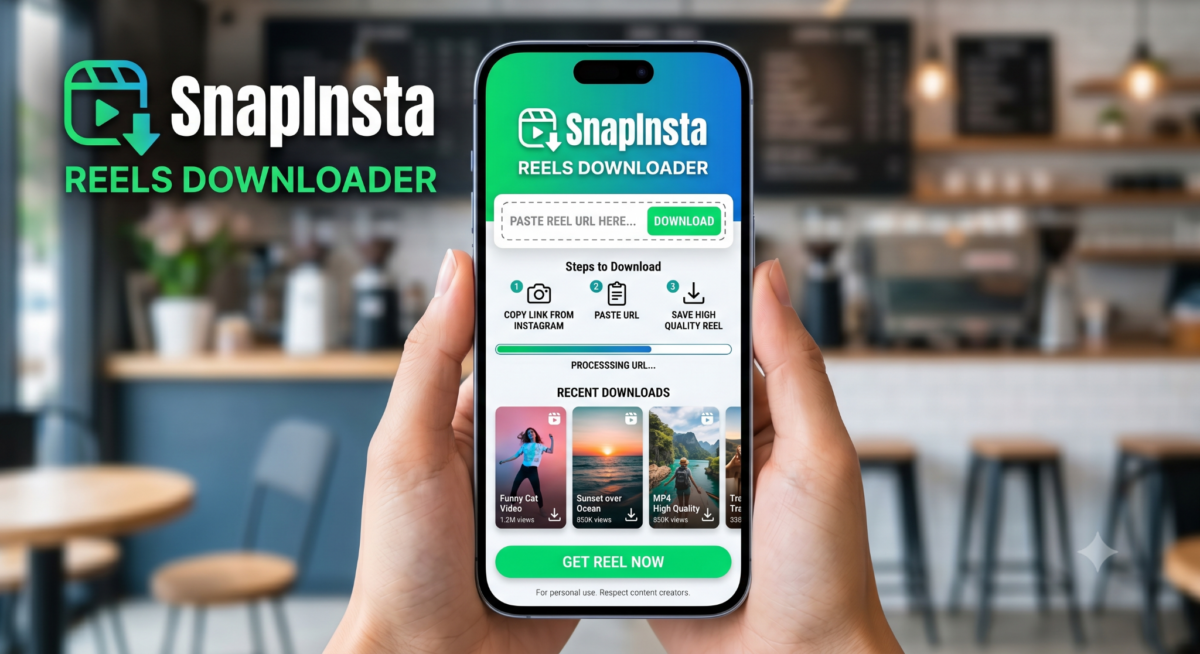
- Platforms: Web (works on any browser: Windows, Mac, Linux, iOS, Android).
- Key Features: Free online downloader for all Instagram media (photos, videos, Reels, Stories, IGTV). Offers high-quality (up to original resolution) video download (720p/1080p) with no watermark. No signup or login required. Supports converting videos to MP3 audio.
- Pricing: Free to use (no paid tiers).
- Pros: Completely free; no login or installation; downloads are watermark-free and high-res. Very fast.
- Cons: Ad-supported (free version may show ads). Only one Reel at a time. Requires manual copy-paste of URL.
- Privacy/Safety: Uses HTTPS; no malware detected; reportedly safe by users. Doesn’t store data or require an account.
- Best for: Quick single Reel downloads across devices, especially for non-technical users.
SaveInsta (Web, App): IG Reels Download HD (1080p)
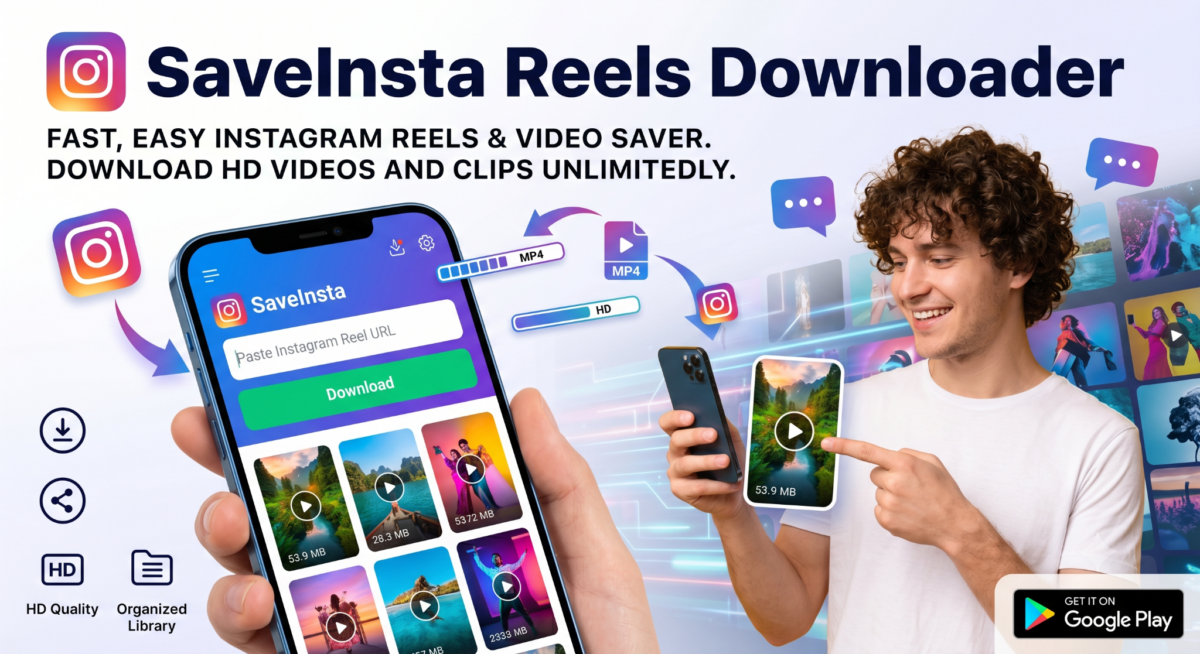
- Platforms: Web (any browser on Windows/Mac/Android/iPhone) and dedicated mobile app (SaveVideo Reels Downloader App).
- Key Features: Online downloader for Instagram photos, videos, Reels, Stories, and Highlights. Supports private accounts (with login only on the app) and 1080p downloads. No software install for web usage. All content (Story, IGTV, Reels, profile pics) can be saved high-quality.
- Pricing: Free (no premium tier; just ad-supported).
- Pros: High-resolution (1080p) downloads; private story/Reels support; runs in-browser or app; free.
- Cons: Ads on site/app; sometimes slower if under heavy use. Web version can’t login to private (app can). Bulk download only per link (no batch).
- Privacy/Safety: No login needed for public content; works via our own servers so Instagram credentials are not required. All downloads via HTTPS. The site disclaims copyrights. Likely safe if using official links.
- Best for: Mobile users wanting an app, or anyone needing private Story/Reels downloads.
iGram (Web): Instagram Reels Free Download
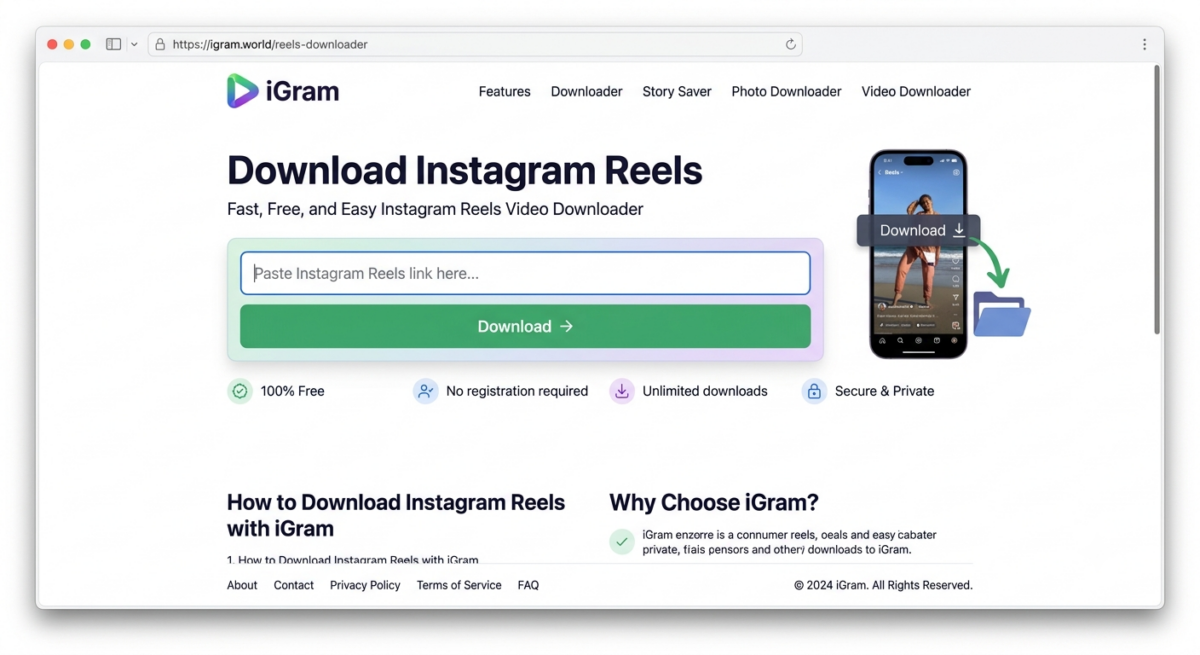
- Platforms: Web (Chrome/Firefox/Safari on any OS; also iPhone/Android browsers).
- Key Features: Fast online downloader for Instagram Reels, Stories, photos, videos, IGTV, and carousels. Delivers original quality media without watermark. No login needed; supports all devices.
- Pricing: Free to use (no paid plan).
- Pros: Very simple interface; handles multi-image posts (carousel). Supports highest available quality for Reels.
- Cons: Limited to one link at a time; does not support private content. The site relies on ads for revenue.
- Privacy/Safety: Operates via secure HTTPS; explicitly promises no logins or tracking (user privacy prioritized). No known malware.
- Best for: Desktop or mobile users who want a quick, no-login download of any public Reel or post.
DownloadGram (Web): No Login Required
- Platforms: Web browser (Windows, Mac, Android, iPhone).
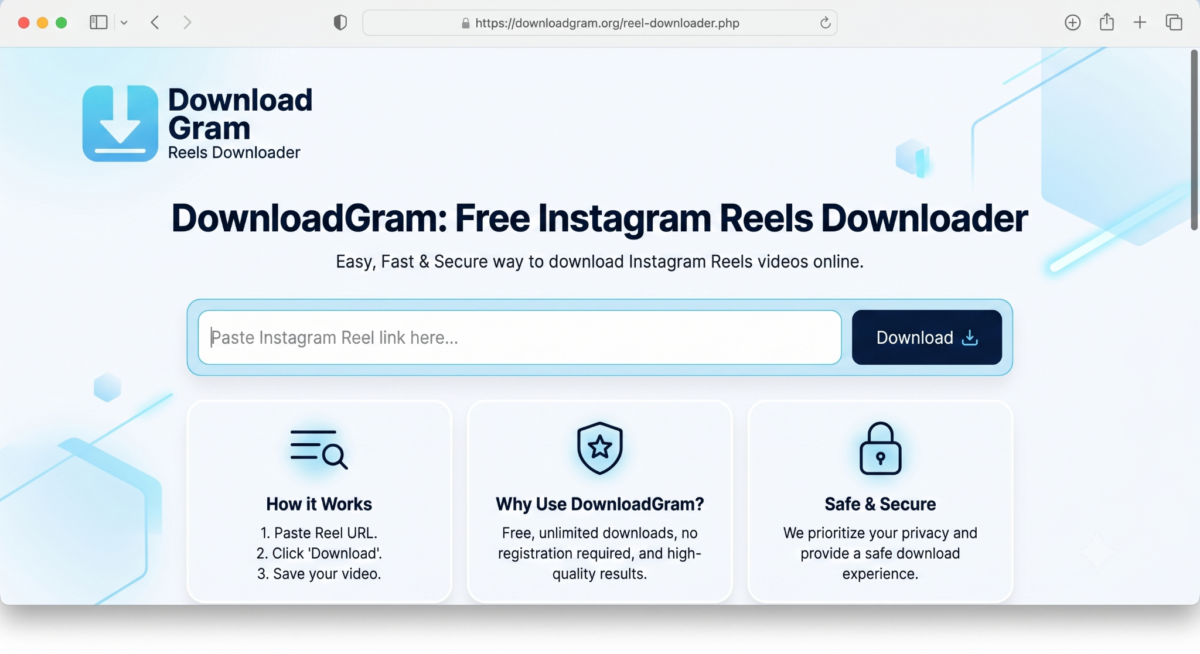
- Key Features: Online downloader for Instagram Reels, videos, photos, Stories, IGTV, and carousel posts. Supports bulk downloads (multiple images in a carousel at once). Retrieves original MP4/JPG quality with no watermark. Works without any plugin or login.
- Pricing: Completely free (ad-supported).
- Pros: Bulk-download carousel posts in one go. Works on all devices, easy copy-paste interface. Trusted (long history).
- Cons: Can’t download private posts. Heavy ads on site. No ability to queue or batch multiple separate links (besides carousels).
- Privacy/Safety: Uses HTTPS. Disclaims all content remains Instagram’s copyright. Safe site with no download limits. You must use only publicly accessible URLs (no login).
- Best for: Users who want to quickly grab an entire multi-image post or a standard Reel from public profiles.
- Example: Copy the Instagram Reel link or a photo/video link. On DownloadGram.org, paste into the field and hit “Download”. The page shows a high-res preview and a download button; click to save the video or image. Multiple images (carousel) are offered as separate files.
Inflact (Web): Free + Paid
- Platforms: Web (desktop or mobile browser).
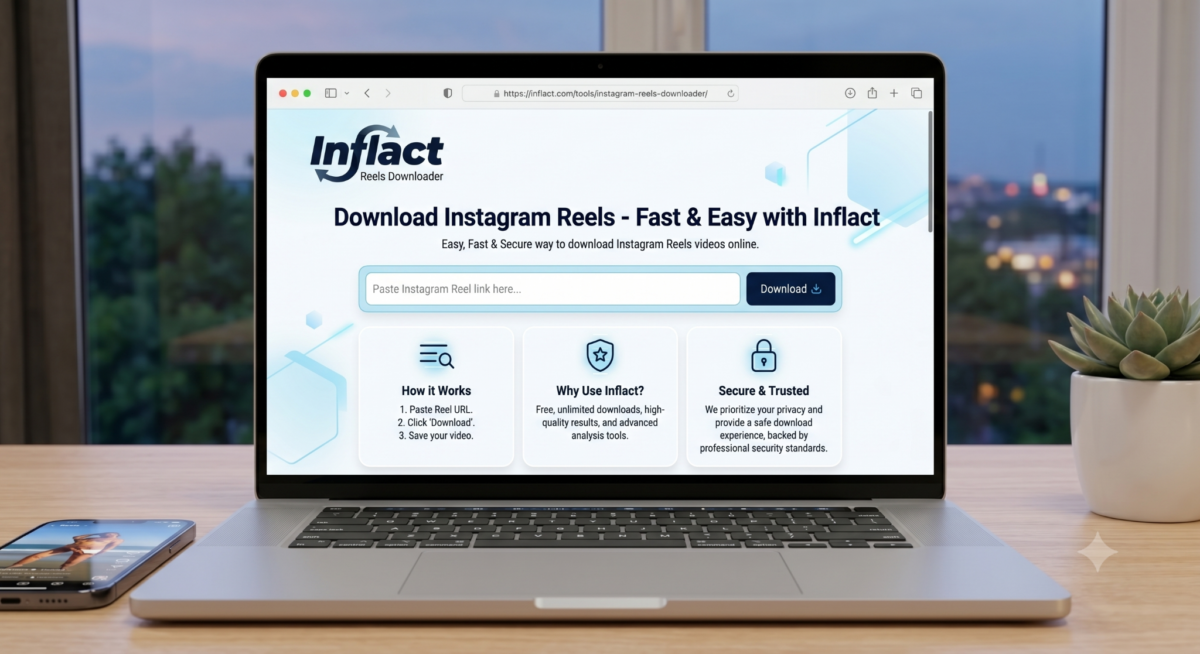
- Key Features: Part of Inflact’s Instagram marketing tools. The Reels Downloader fetches any public Instagram video/Reel in original HD quality without watermark. Supports downloading multiple posts at once (bulk download by list of URLs). Also grabs Stories and IGTV.
- Pricing: Free for up to approx 3 downloads per day; beyond that requires premium subscription (Inflact has per-day and unlimited plans).
- Pros: Bulk-save multiple reels or an entire IG account’s posts in one go. Quality is original (HD/4K if source). No need to log in for public content. Clean interface, ad-free (premium feel).
- Cons: Free tier is limited (3 items per day). You need an account/premium for heavy use. Not open-source (cloud service).
- Privacy/Safety: Uses Instagram’s public API via proxies; does not collect user data. The site uses HTTPS and is reputable. Inflact warns against copyright infringement. Safe for public content.
- Best for: Social media managers or content repurposers who want to download dozens of reels at once or whole feeds.
4K Stogram (Desktop App): Insta Private Account Reel Downloader
- Platforms: Desktop (Windows, macOS, Linux).
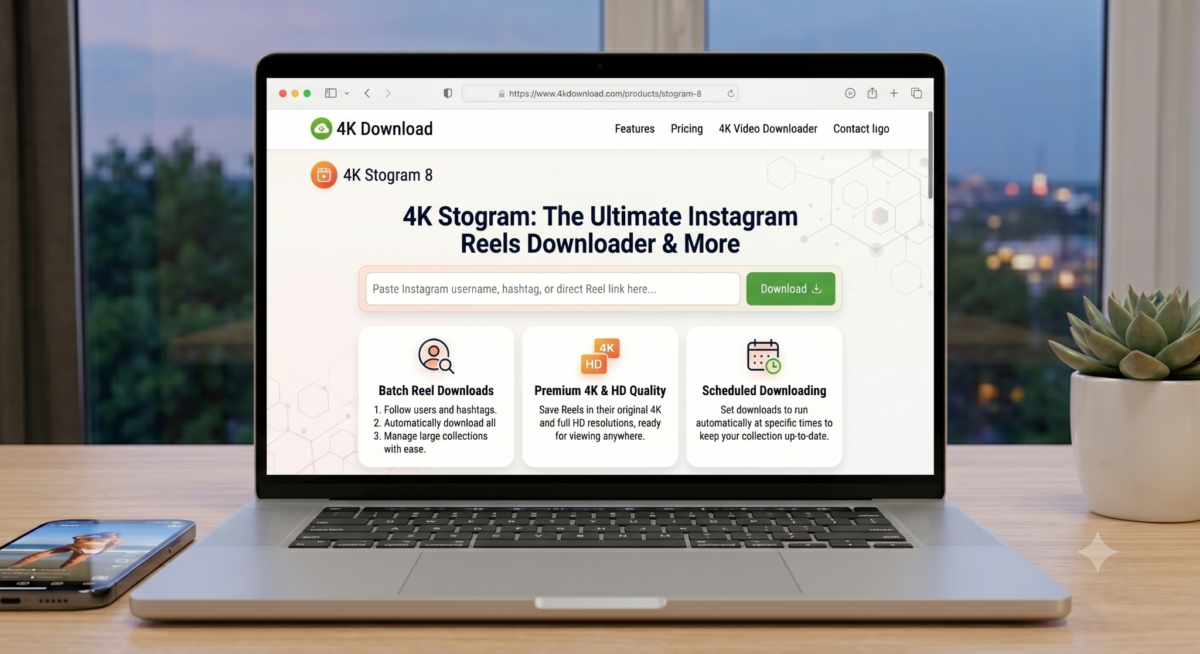
- Key Features: GUI app for Instagram content. You can download whole Instagram user profiles, hashtags, or geotags automatically, including Reels. Downloads original photos and videos (photos as JPG, videos/Reels as MP4) with captions. Private account support: if you follow an account and log in, it can grab those too.
- Pricing: Free to use (installation free).
- Pros: Bulk download entire user accounts or hashtags. Saves original-quality and metadata (captions, timestamps). Reliable and fast multi-download. No ads in the program.
- Cons: Discontinued (no updates, but still functional). Desktop-only. Requires IG login for private profiles. The free version may have occasional nag screens (no limitations listed on site).
- Privacy/Safety: Official 4K Download software, well-known and scanned for viruses (site states “100% virus-free”). No hidden trackers. Requires Instagram credentials to access private content.
- Best for: Heavy users/backups: e.g. downloading an entire influencer’s feed or all Reels with a certain hashtag for content analysis.
Note: As of 2024, the software is no longer actively updated by developers, but it still works.
FastDL (Web): Superfast Reels Downloader
- Platforms: Web browser (PC and mobile).
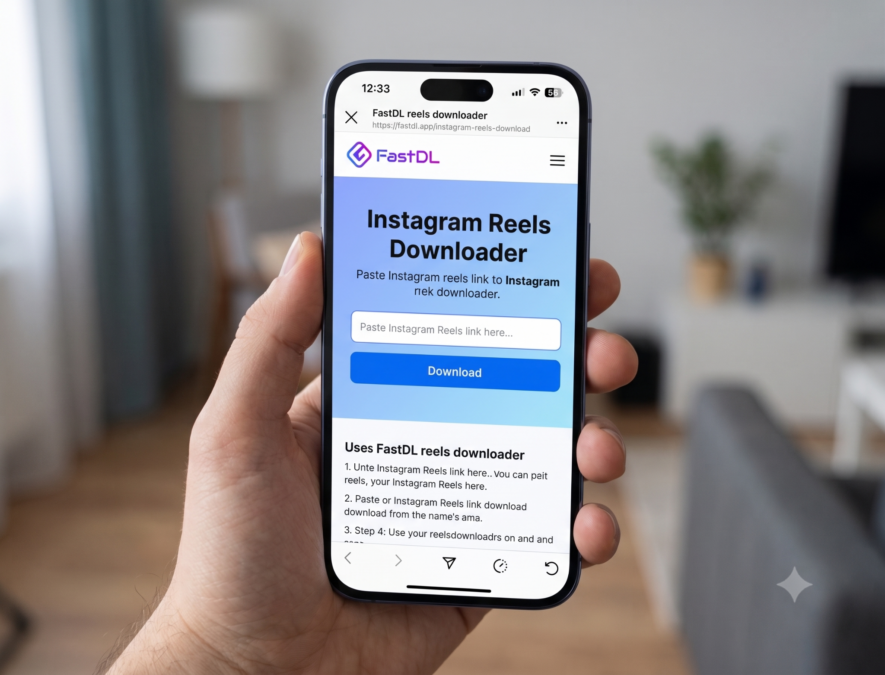
- Key Features: FastDL is an online Instagram downloader covering photos, videos, Reels, Stories, IGTV, and carousels. Highlights include very fast servers, high-resolution downloads (up to 1080p for photos, 720p for videos), and support for link “fusker” (numbered URLs). No login or registration is required. Also has a quick hack: add “f-d.app/” before an Instagram post URL to jump to FastDL.
- Pricing: Free (ad-supported).
- Pros: Blazing speed and stable service. Supports multi-file downloads (e.g., carousels) and skip links in sequence. “No login, no cookies” means privacy. Works with all browsers.
- Cons: Slightly lower max video resolution (720p for reels). The site has ads. Only one link input at a time.
- Privacy/Safety: Claims no tracking, no login needed, no malware. Data is encrypted over HTTPS. Likely safe for public content.
- Best for: Users who want the fastest download speeds and multi-image post support without needing to install anything.
Ready to monetize your content? Sign up with Cuelinks for free to easily turn your Reels and posts into affiliate earnings!
SnapDownloader (Windows/Mac App): Download Reels in 8K!
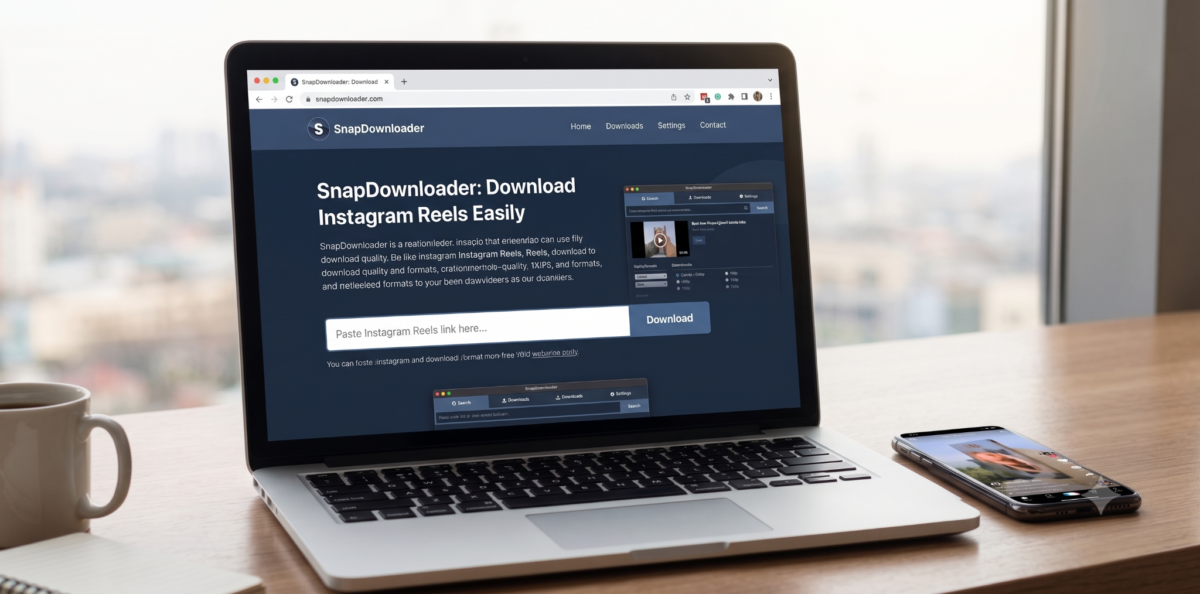
- Platforms: Desktop app for Windows and macOS (Apple Silicon/M1 supported).
- Key Features: A premium desktop video downloader for 900+ sites (including Instagram, YouTube, TikTok, etc.). It downloads Instagram Reels, Stories, IGTV, and Live Stories as MP4 with up to 8K support. Allows batch download (up to 100 URLs at once). Clean, ad-free interface with in-app proxy support. Can schedule and convert downloads.
- Pricing: Paid software. Offers a free trial (3-day). Plans start ~$7.99/month or one-time lifetime license. Occasional discounts. No free/functional version beyond trial.
- Pros: Professional-grade: extremely fast downloads (multi-threaded), highest quality (8K), and simultaneous batch processing. Includes features like download scheduling, history, and built-in browser. Great UI.
- Cons: Paid (no free usage beyond trial). Heavy-weight install. No Linux version.
- Privacy/Safety: Well-established company (Zenotech). The app is digitally signed (no bloatware). You download and run it locally (no user data leaves your PC). Needs Instagram URLs only (no IG login).
- Best for: Power users on PC/Mac who need to grab large quantities of IG content (e.g. video editors, marketers).
Instaloader (CLI/Python): Stable Tool with No Ads
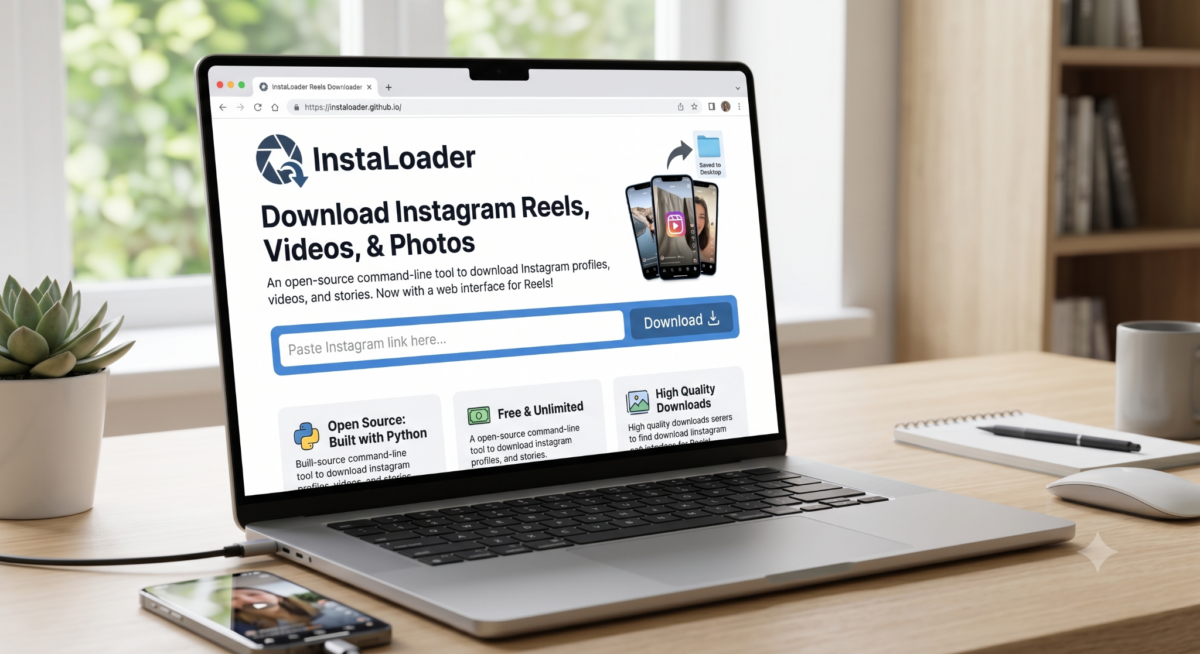
- Platforms: Command-line tool (Windows/Mac/Linux) or Python module.
- Key Features: Free open-source downloader. Fetches full Instagram posts and metadata (photos, videos, Reels, Stories, IGTV, saved media, captions, comments, geotags). Supports downloading by profile, hashtag, feed, saved, and it has a ‘- – reels’ flag to include Reels. Can resume partial downloads and filter content. Highly customizable (scriptable).
- Pricing: Free (MIT License).
- Pros: Extremely powerful and flexible. Can download entire profiles (public or private with login), hashtags, etc., in bulk. Can run unattended (scripts or cron). No ads. Very mature and stable.
- Cons: Command-line interface (steep learning). Requires installing Python. Must manage Instagram login for private content. Overkill for casual use.
- Privacy/Safety: Community-trusted (7k+ stars on GitHub). Transfers via Instagram’s official API (or scrapes if needed). Data remains on your device. You handle any login securely yourself.
- Best for: Developers or advanced users, such as researchers or archivists, who need comprehensive, automated Instagram backups (including Reels).
WFDownloader App (Desktop): Free Bulk Reels Downloader
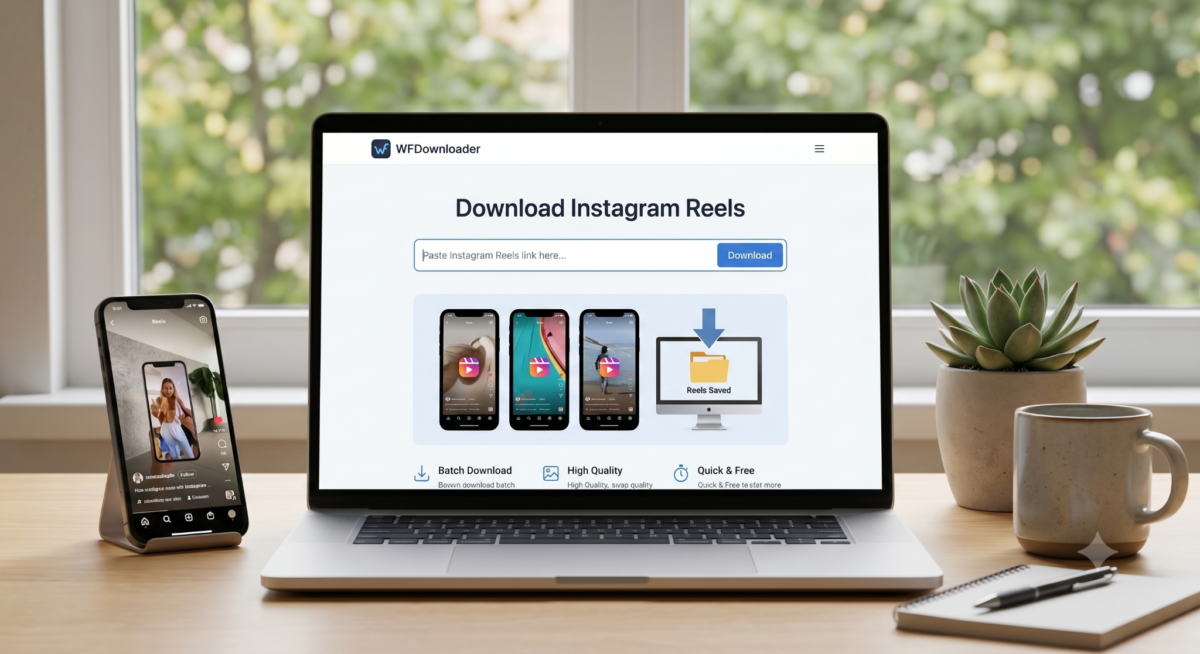
- Platforms: Desktop (Windows/Mac/Linux; Java-based). Android mobile app exist (WFDownloader App for Reels).
- Key Features: Free, multi-purpose bulk downloader for many sites (not Instagram-specific). It can batch-download entire Instagram profiles (images, videos, Reels, highlights, stories, tagged posts) from public or private accounts (with cookie login). Supports multi-threading, queuing, filters, custom link search, and can export links/results.
- Pricing: Free (open-source, beta).
- Pros: Extremely flexible: supports Instagram and dozens of other sites (Twitter, Pinterest, etc.). Can batch import lists of URLs or search queries. Downloads simultaneously. Allows resuming and updating only new content.
- Cons: Complex interface for beginners. Requires Java runtime (or installer). Not cloud-based; heavy to set up. Development is slower (beta stage).
- Privacy/Safety: Open-source (SourceForge). Can import IG cookies for private content safely (no passwords stored). No ads in the app. Data stays local.
- Best for: Tech-savvy users who want a “Swiss Army knife” downloader to archive Instagram or scrape images. Useful for data hoarders.
InstaSaveNet / Insta-Save (Web): Basic Reels Downloader
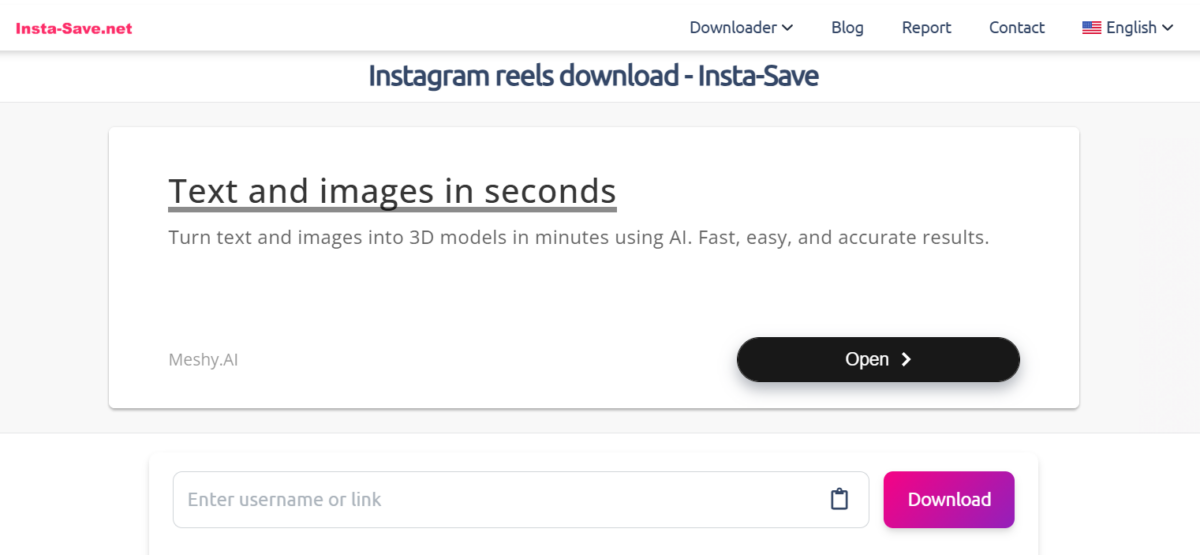
- Platforms: Web (browser on any device).
- Key Features: Insta-Save is a general Instagram media downloader (photos, videos, reels, stories). Specifically has a “Reels Downloader” section. It claims “highest quality” output (up to 1080p). No login, free and anonymous. Also offers tips to download anonymously (VPN, incognito).
- Pricing: Free (ad-supported).
- Pros: Very straightforward site; supports all content types; multi-language support.
- Cons: Somewhat promotional content and tips page: functionality is basic (single link). May have interstitial ads.
- Privacy/Safety: Site states it’s informational, not hosting content. Uses HTTPS. No account or login needed, so user data isn’t collected.
- Best for: Quick browser-based download without installing anything. Good for novices.
Save From Net: Free Instagram Reels Download App
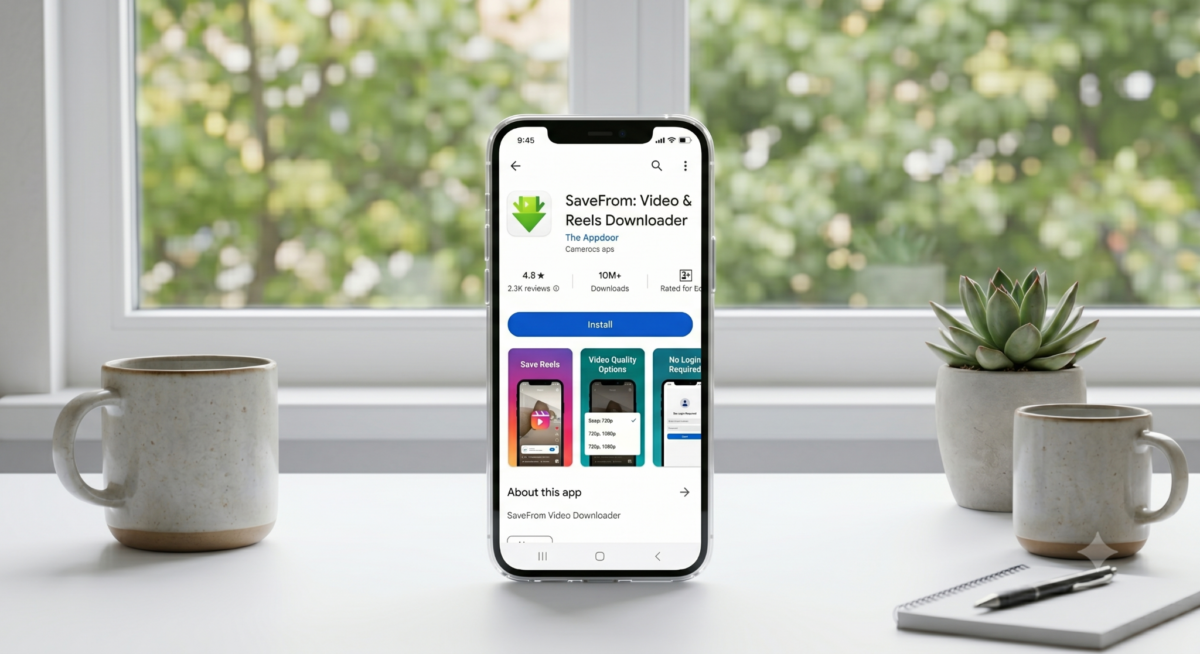
- Platforms: Android (requires Android 5.0+).
- Key Features: Mobile app for downloading videos from many social sites (IG, Facebook, YouTube, Twitter, etc.). Supports Instagram Reels, Stories, posts, and other platforms. The app description highlights one-click downloads, multiple format support (HD/4K where available), and an internal video player.
- Pricing: Free with ads; offers in-app “premium” to remove ads and limits. Over 100K installs, 4.6-star rating.
- Pros: All-in-one downloader (useful if you also save from other networks). Easy paste-and-download interface. Can run in the background. Supports resume and multiple downloads.
- Cons: Many ads/pop-ups (free version); some users report instability after updates. Known to track usage for ad serving. Can be prone to occasionally redirect or suggest random content.
- Privacy/Safety: From a publisher with multiple downloader apps. As an Android app, it requests storage permission. Has no reported malware (Play Protect safe). All traffic likely goes through savefrom.net services. Use cautiously with privacy (no IG login needed though).
- Best for: Android users who prefer a one-stop app for all video downloads, not just Instagram. Good for occasional Reel saves.
InSaver (All Video Downloader): Instagram Reels Downloader APK for Android
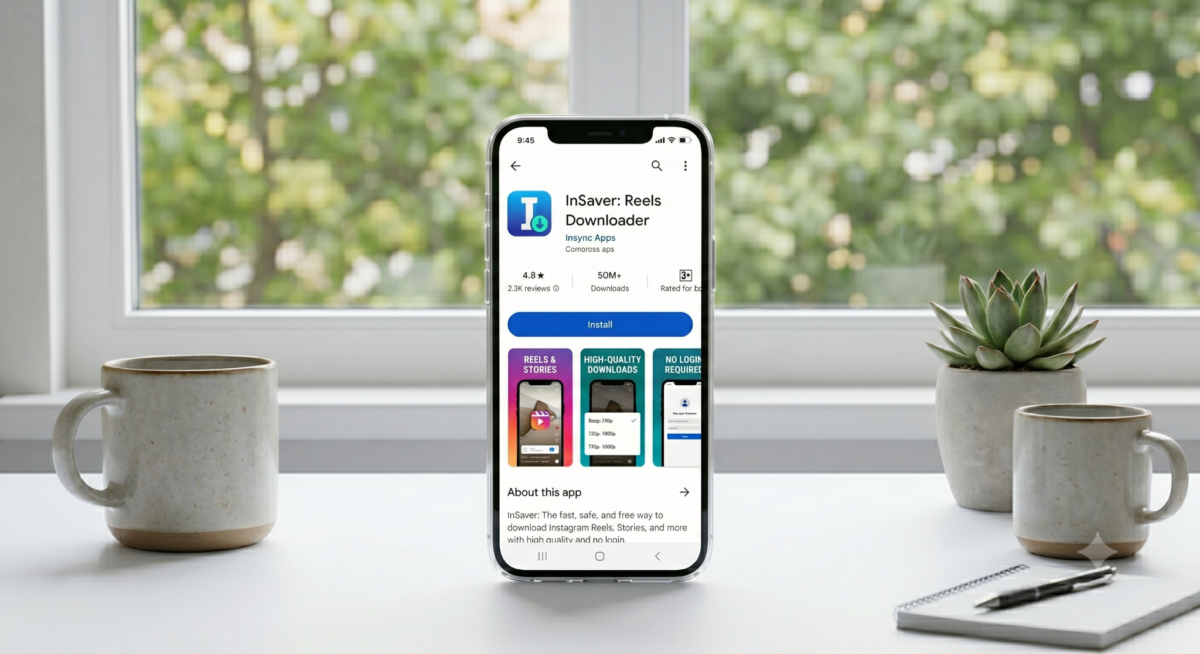
- Platforms: Android (latest version supports up to Android 13).
- Key Features: Android app for downloading social media videos/photos. The Play page calls it “Tik & Story Saver” but it also handles Instagram Reels. It supports batch download, categorizing downloads, and multiple formats. No login needed. Can download HD videos, stories, and music from IG and other networks.
- Pricing: Free (ad-supported). Some in-app purchases to remove ads. Rated 4.8 with 237K reviews (Android).
- Pros: Highly rated; very easy to use; supports simultaneous downloads. Clean UI. Actively updated.
- Cons: Aggressive ads (even between downloads); some features (like multi-image selection) require settings tweaks. Requires occasionally logging in to remove download limits.
- Privacy/Safety: No login required; data encrypted. Requires media/storage permission. No known malware. The developer provides email support.
- Best for: Android users who frequently save Instagram Stories/Reels and want an organized gallery within the app.
y2mate (Web): Includes Reels Audio Downloader
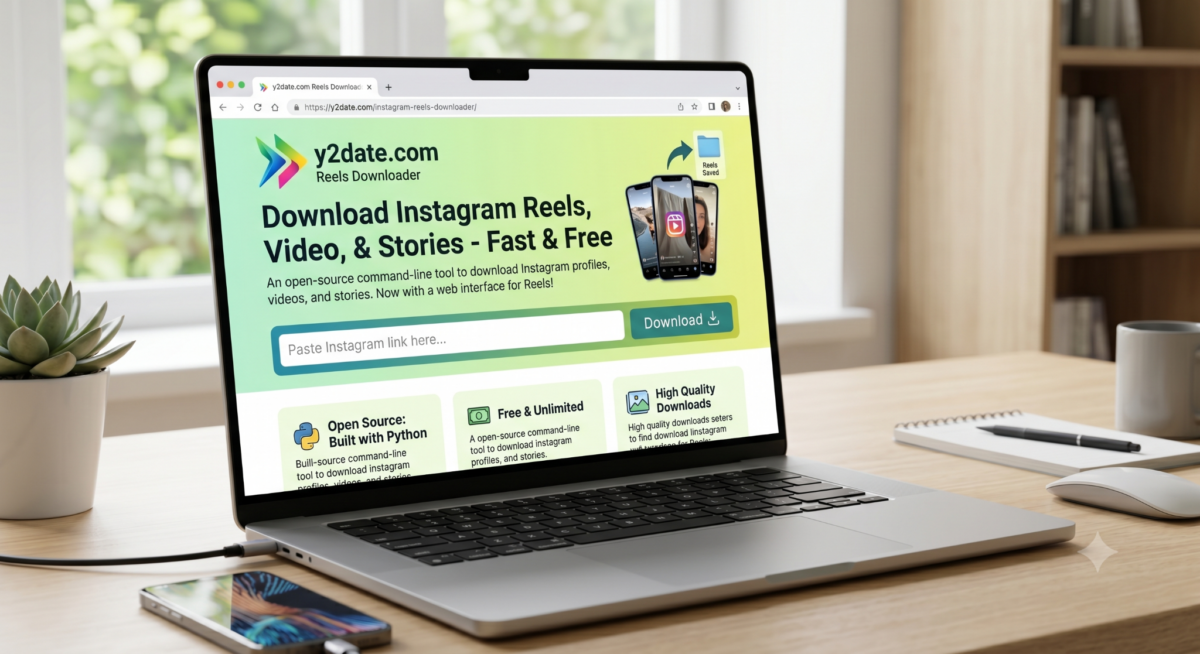
- Platforms: Web browser (Windows/Mac/Android/iPhone).
- Key Features: Multi-purpose video converter/downloader known for YouTube. The Instagram Reels page is an online tool: paste an IG URL and it offers MP4 download options (1080p, 720p, etc.). It also supports 50+ platforms (IG, YouTube, TikTok, etc.). Offers audio (MP3) or video download. Unlimited downloads.
- Pricing: Free (no registration or payment required).
- Pros: Versatile (works across many sites, not just IG). Fast processing. No technical install.
- Cons: Ad-heavy interface and pop-ups. Some deceptive “Download” buttons. Occasionally adds its own download manager suggestion. Quality is limited by what Instagram provides (often 720p/1080p).
- Privacy/Safety: Standard HTTPS site. Note: y2mate servers handle the download, so content is streamed via them. The site disclaims any ads. Use with caution: it redirects through ad services. Technically safe but many ads.
- Best for: Occasional users who want a quick, free way to convert any Instagram video (or other platforms’) to MP4/MP3 via browser.
InSaver (iPhone): Reels Downloader iOS App
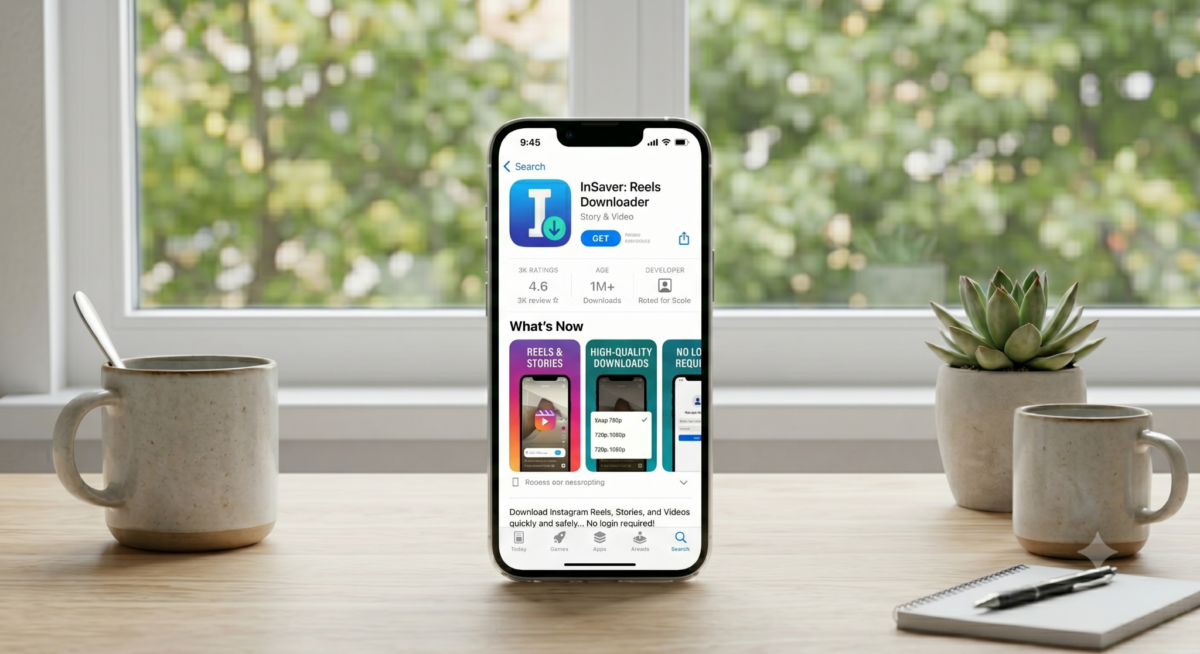
- Platforms: iOS (requires iPhone/iPad).
- Key Features: iOS app (part of Softorino’s toolkit) to save Instagram content. Enables downloading of Instagram Reels, Stories, photos, and videos. Features built-in browser and share extension, so you can invoke the downloader from within Instagram or Safari.
- Pricing: Free to download (may have In-App Purchase for Pro features). Usually free for basic use.
- Pros: Seamless iPhone integration. Supports single-tap saving via share sheet. Reliable and ad-free.
- Cons: iOS-only. Limited batch options.
- Privacy/Safety: iOS App Store vetted; uses share extension so no credentials stored.
- Best for: iPhone users who want an easy native solution.
IG Reels Downloaders Compared
| Tool | Platform(s) | Bulk Download | Login Required | Watermark | Cost |
| SnapInsta | Web (cross-platform) | No | No | No | Free |
| SaveInsta | Web, iOS, Android | No | No (app can login) | No | Free |
| iGram World | Web (cross-platform) | Carousel only | No | No | Free |
| DownloadGram | Web | Yes (carousels) | No (public only) | No | Free |
| Inflact | Web | Yes | No (public only) | No | Free (limit 3/day), Paid |
| 4K Stogram | Windows/Mac/Linux (App) | Yes (accounts) | Yes (private) | No | Free (discontinued, but working) |
| FastDL | Web | Yes (carousels) | No | No | Free |
| SnapDownloader | Windows/Mac (App) | Yes (batch URLs) | No | No | Paid (trial/free download) |
| Instaloader | CLI (Windows/Mac/Linux) | Yes (profiles) | Optional (for private) | No | Free |
| WFDownloader | Windows/Mac/Linux (Java) | Yes (batch) | No (can use cookies) | No | Free |
| InstaSaveNet | Web | No | No | No | Free |
| Save From Net | Android App | No | No | No | Free (ads) |
| InSaver (Android) | Android App | Yes (batch) | No | No | Free (ads) |
| InSaver (iOS) | iPhone App | No | No | No | Free (in-app purchases) |
| y2mate (y2date) | Web | No | No | No | Free |
Note: “Bulk” means ability to download multiple reels or media in one go. “Login required” indicates if private IG content needs your IG account. All tools claim “no added watermark”.
Turn views into revenue: join Cuelinks and add affiliate links to your repurposed Instagram Reels!
Legal & Ethical Considerations
Be aware that downloading Instagram content may infringe copyright or violate Instagram’s terms. These tools are only meant for saving your own posts or publicly shared media for personal use or with permission.
Do not download copyrighted Reels without consent. As DownloadGram’s terms note, “Do not repost or reshare downloaded videos/photos without the owner’s permission. It’s a crime to share someone else’s copyrighted media… You are fully responsible for what you do”. Likewise, many downloaders warn users to respect intellectual property.
In short: only use these tools on content you have rights to use (e.g. your own videos, or those under creative commons), always credit creators when republishing, and never embed downloaded clips in monetized content without permission. Violating Instagram’s policies can lead to account penalties.
A practical guideline: assume each downloaded Reel is copyrighted by its owner. If you plan to repurpose the Reel in your own content, consider adding commentary or remixing to help satisfy “fair use” (though legal standards vary). Always accompany affiliate links with proper FTC disclosures if you’re recommending products related to the reel. Cuelinks’ own blog recommends clear disclosure of any affiliate relationship.
Conclusion
Instagram Reels are one of the biggest drivers of engagement today, and the right downloader can make content saving, repurposing, and inspiration much easier. Whether you’re a creator, affiliate marketer, or casual user, these Instagram Reels downloaders help you save high-quality content quickly and efficiently.
If you’re planning to monetize Instagram traffic, promote creator tools, or build a content-focused affiliate strategy, platforms like Cuelinks can help you turn your audience into earnings through smart affiliate linking and automation. Start with the right tools, create valuable content, and scale your social media income smarter.

Sahil Ajmera is content writer with more than 7 years of work experience in field of Affiliate Marketing, Digital Marketing, etc. He loves saving money on everything. His aim is to get readers exactly what they are looking for and that too without wasting much of their time. Whatever he is writing on, you are sure to find a way to earn & save good!